

SmartUndo+ is a new Blender add-on by kunemann designed to improve users' workflow by providing expanded control over the software's undo history. Blender's built-in undo system works globally, rewinding every change in the scene with each undo step. In contrast, SmartUndo+ adds the ability to rewind changes to individual objects. Each object has its own undo history, allowing users to revert changes without affecting other elements.
According to the developer, the add-on was designed to be easy to use. It silently registers edits in the background and requires no manual configuration. When an undo is needed, users can simply select the desired element and press Ctrl + Alt + Z to rewind through its own history of changes. This enables workflows where users can, for example, texture or animate for a while, then return to the UV Editor with the UV history still exactly where it was left.
The add-on also provides additional options through its own tab in the N-panel. This panel displays a step-by-step timeline for each object, grouped by aspect. Users can jump to a specific state, enable or disable tracking for individual objects, and configure settings such as the maximum number of undo steps each object can retain. Additionally, users can save "checkpoints" that can later be recalled. These work across single objects, a selection of objects, or the whole scene, enabling the creation of snapshots of the work being done.
SmartUndo+ also features a pie menu that can be opened with a keyboard shortcut. The menu displays the available undo categories for the object under the cursor, allowing users to restore previous states more quickly. Another included feature is the option to save the undo history directly into the .blend file so it is preserved when the file is reopened.
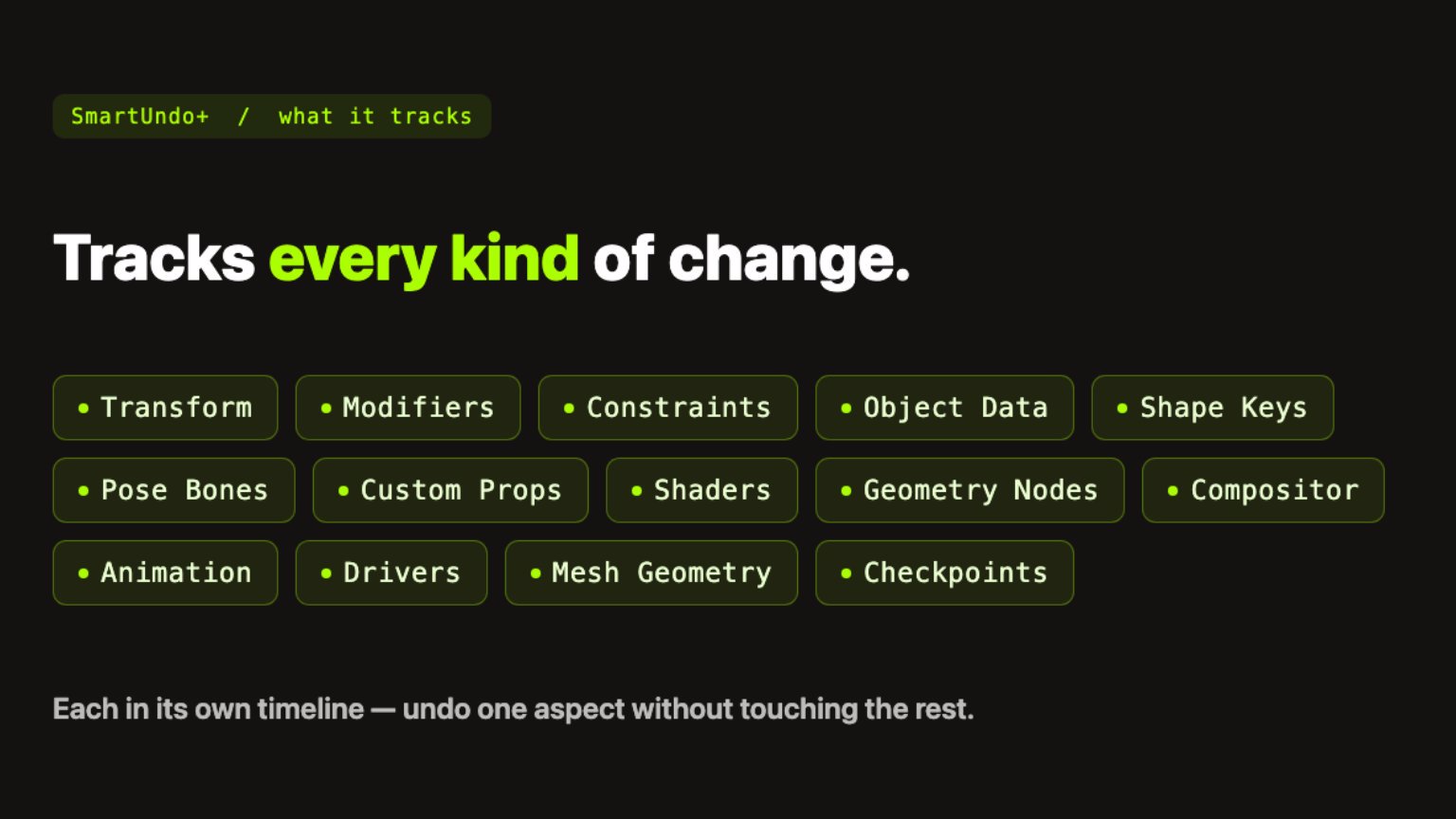
Because the add-on can store large numbers of undo states across multiple elements, performance may be a concern for some users. However, the developer explains that it is memory efficient, recording undo steps only after values settle instead of continuously on every tick. As a result, the developer reports no significant performance impact, even in large, complex scenes. In a stress test using a full interior scene with 934 tracked datablocks and approximately 4,700 recorded steps, the complete undo history reportedly used about 18 MB of RAM.
SmartUndo+ is compatible with Blender 5.0 and newer versions, including the recently released Blender 5.2 update.
For more information and to purchase the add-on, visit the product page on Superhive.