
Bevy, the data-driven game engine built with Rust, has received a new update. For developers new to Bevy, it is one of the most popular game engines in the Rust ecosystem. It currently functions more as a game framework than a full-fledged game engine, without an integrated visual editor comparable to those found in engines such as Unreal Engine, Unity, or Godot. An official editor is currently being developed by the Bevy Editor design group, although no release timeline has been announced.
The new Bevy update includes several notable additions, including improvements to scene management and text, along with new widgets designed with the aforementioned Bevy editor in mind.

Fields of Aaru: a cozy life sim made with Bevy.
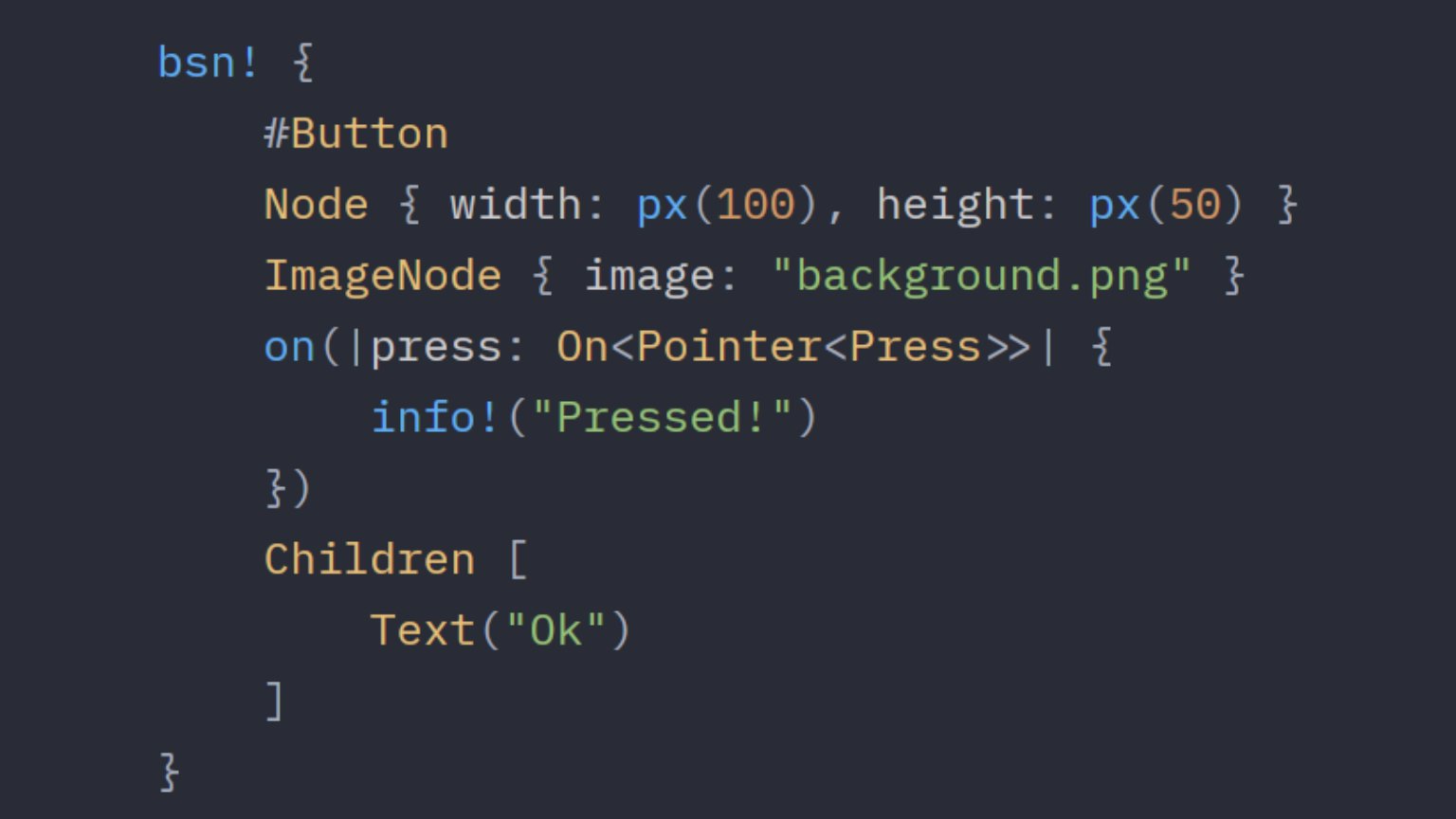
The scene system has been significantly improved and is the result of years of work. Scenes can now be defined more easily in code using the new Bevy Scene Notation (BSN) format. BSN is an ergonomic, Rust-like scene syntax that can be defined in Rust code and in .bsn asset files via the bsn! macro. Scenes are composable, patchable, and dependency-aware. The renderer has also been improved, with additional work moved to the GPU, enabling faster rendering of larger scenes.
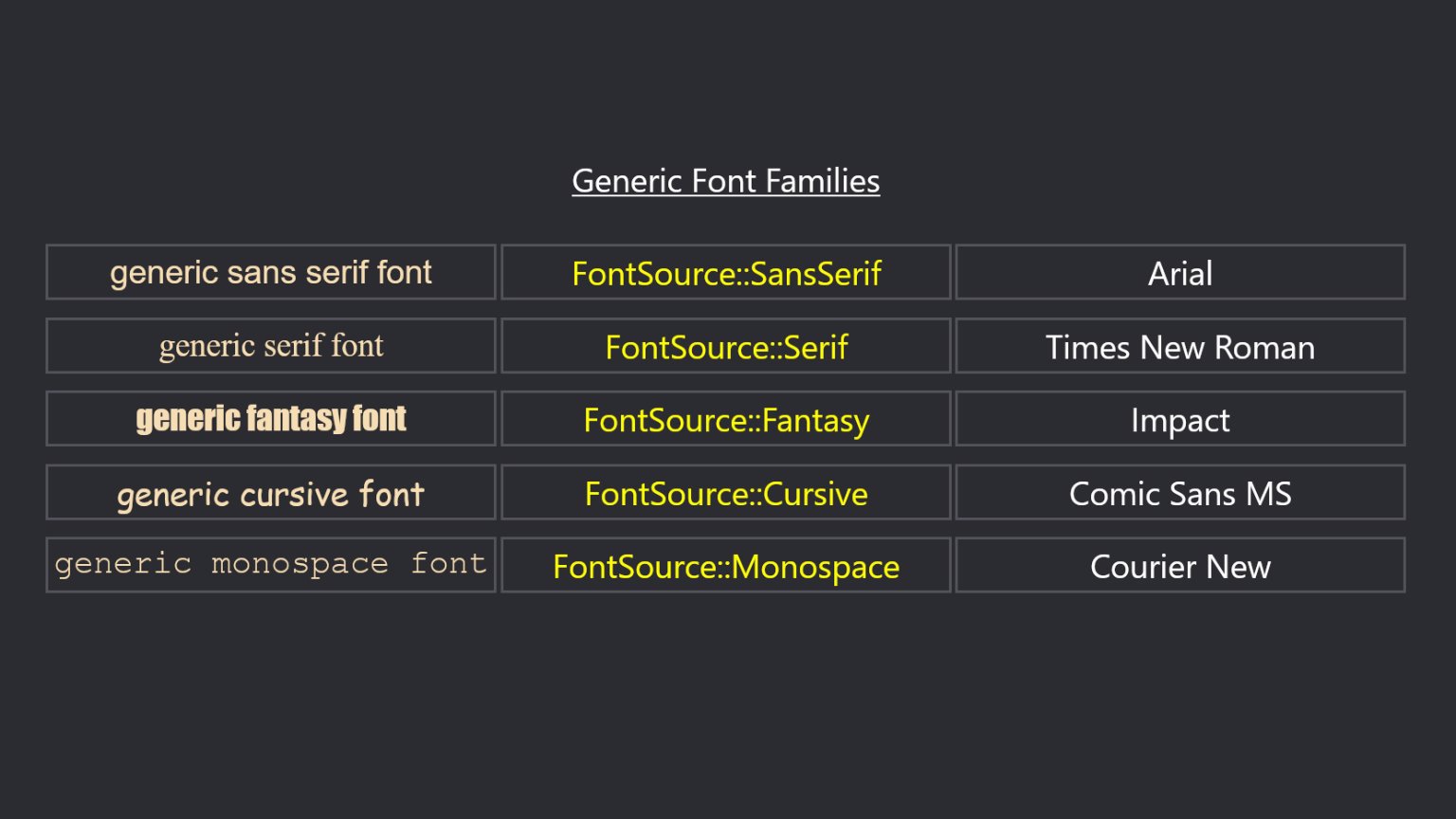
Text received significant focus in this release, resolving several previous limitations such as the need to use different fonts for bold and italic text, the inability to use the user's system monospace font, and the lack of support for text scaling alongside the viewport. These issues have now been addressed, and the engine offers more flexible font selection along with higher-level features such as font families and variable font properties. Additionally, text input has been introduced via the new EditableText component.
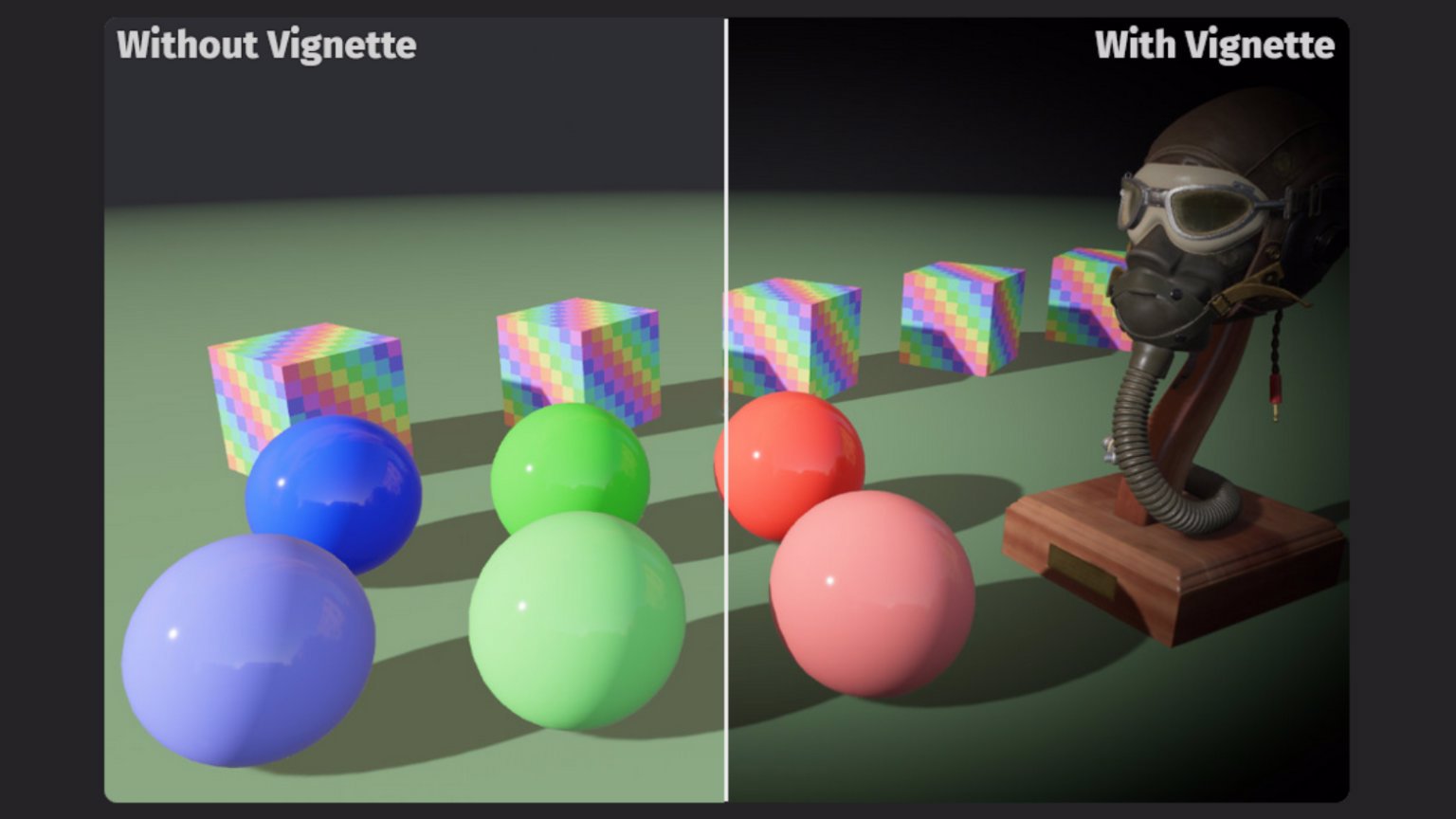
Other notable additions include Contact Shadows, which can significantly improve shadow detail without the cost of full ray tracing. There are also new post-processing effects, including Vignette and Lens Distortion. These classic effects can give the camera a more cinematic or stylized look.
Additionally, a general-purpose “app settings” system has been added, enabling Bevy applications to load and save a wide range of user and application settings, including graphics options, UI layouts, audio settings, and window state, as well as preferences such as “Don’t show this dialog again.” Skinned mesh culling has also been improved, allowing animations to be taken into account during culling decisions.
Other additions include improved Screen Space Reflections, Rectangular Area Lights, Delayed Commands for deferring code execution, a new in-game Diagnostics Overlay that reduces the need for custom UI widgets, and more.
For more information, refer to the official release publication on Bevy's website.