

Mesh Collider Optimizer is a new Unity Editor tool that automatically analyzes, optimizes, and rebuilds Mesh Colliders. The asset was created by asset developer Occlusionn, which focuses on intuitive editor extensions as well as performance oriented shaders. It is also responsible for other useful assets in the Asset Store such as Decal Collider and Debug Filter.
Mesh Collider Optimizer has been designed to extend Unity’s mesh collider functionality by providing additional control and generating leaner colliders that reduce simulation costs, helping maintain performance as projects scale.
The tool offers a one click concave collider workflow for complex meshes, allowing colliders to be created that accurately reflect the overall shape of the mesh. It is also suitable for objects such as baskets, holders, and other open shapes, supporting believable containment of other objects within. Collider quality can be adjusted between higher fidelity, where the collider more closely matches the mesh, and lower quality for cases where the mesh includes more detail than the collision shape requires.
One of the standout features of the tool is the ability to generate dynamic colliders that update with animated poses at runtime. This is particularly useful when the collision shape needs to follow character motion instead of remaining static. The feature includes adjustable options for defining how often the collider is updated, whether every frame, at a specified frame interval, or at a target frequency in Hz. Updates can also be constrained to occur only when the object is visible to help improve runtime performance.
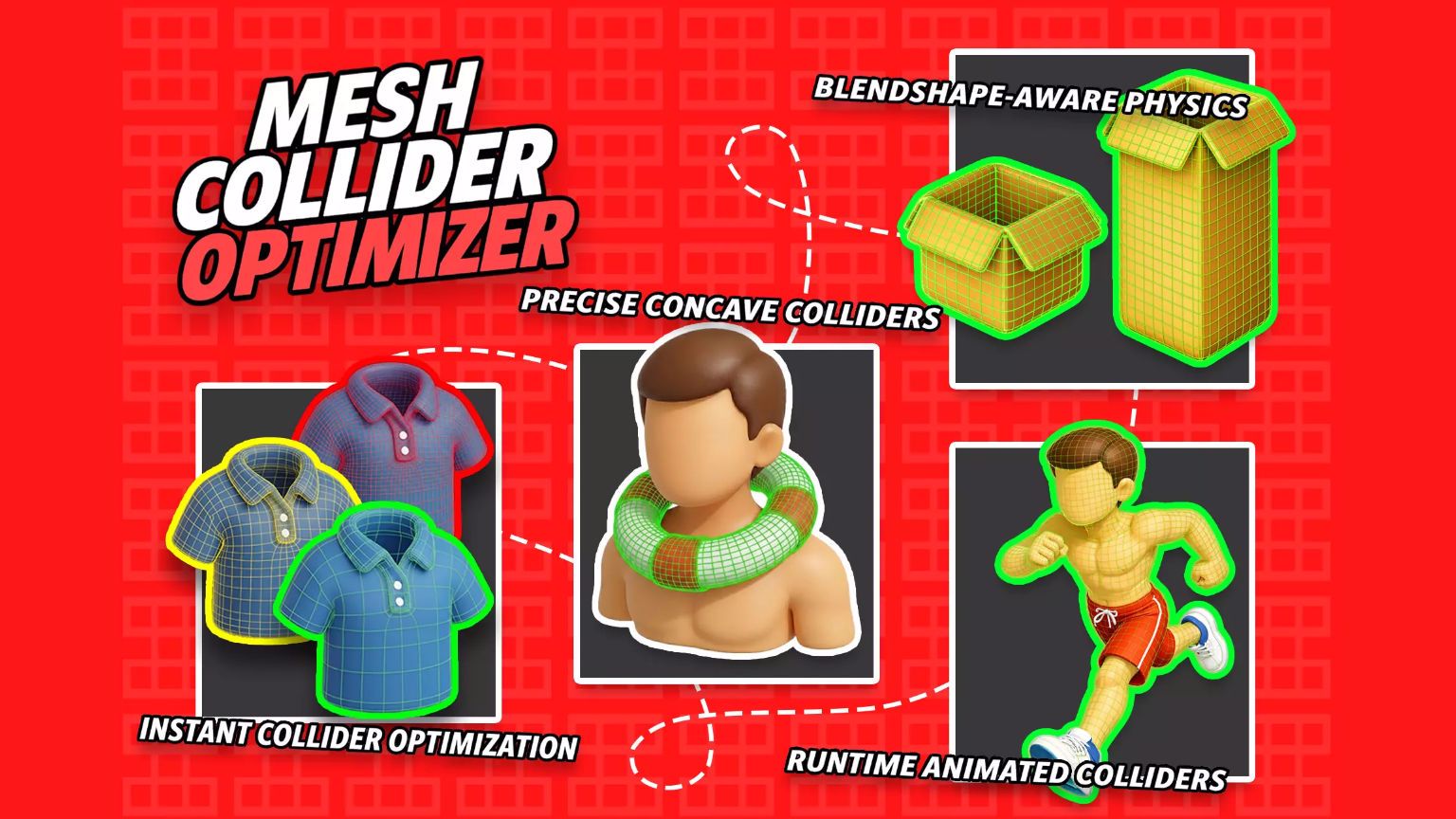
Mesh Collider Optimizer includes settings for controlling how collision shapes are optimized, such as quality control, adjustable shape fidelity, and inflate and deflate options that help recover volume after collider simplification or reduce overly tight contact.
The tool also features a statistics panel that provides real time feedback on total savings, shown as a savings ratio percentage based on the current settings. The panel includes before and after values for vertices and triangles, and memory usage, along with bake time and convex generated part count.
Mesh Collider Optimizer offers LOD support, including an optional active LOD only collider mode that prevents multiple LOD colliders from being active at the same time. It also includes additional features that support workflow and simplify the process of optimizing mesh colliders.
For more information, visit the Mesh Collider Optimizer product page on the Unity Asset Store.